
After enduring a long-haul flight across the Pacific, stepping off the plane at Incheon International Airport brings a rush of excitement. Whether you are returning to your roots or visiting for the first time, the anticipation of enjoying authentic Korean street food, vibrant cityscapes, and impeccable public transit is palpable. However, before you can dive into navigating the bustling streets of Seoul or sending updates to friends back in North America, you need one crucial thing: a reliable data connection.
It is incredibly tempting to just walk up to one of the glowing telecom booths right outside the arrival gates. But doing so might be one of the most frustrating ways to start your journey. If you are used to the convenience of modern travel tech, you need to rethink your arrival strategy. Here is exactly why you should skip the airport SIM counter and what you should do instead.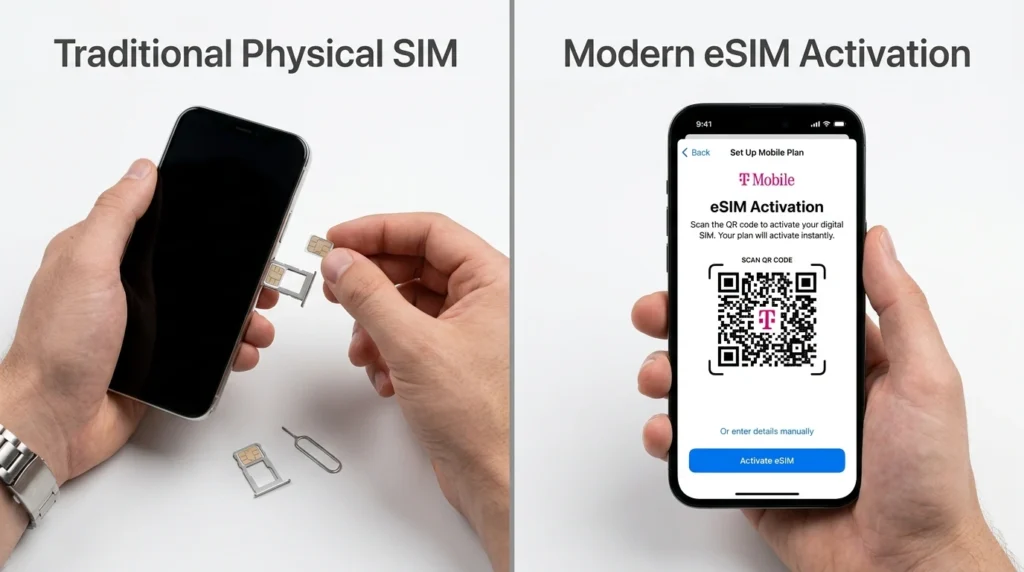
The Reality of Airport SIM Counters
Landing at Incheon Airport means you already have a checklist to tackle: clearing immigration, collecting your checked baggage, and perhaps exchanging some currency. Adding a trip to a telecom counter to pick up a physical SIM card only adds unnecessary stress to an already exhausting day.
First, the lines can be agonizingly long. Multiple flights from North America, Europe, and neighboring Asian countries often arrive simultaneously, leading to massive bottlenecks at these counters. When you are severely jet-lagged and just want to get to your accommodation, standing in a slow-moving queue is the last thing you need.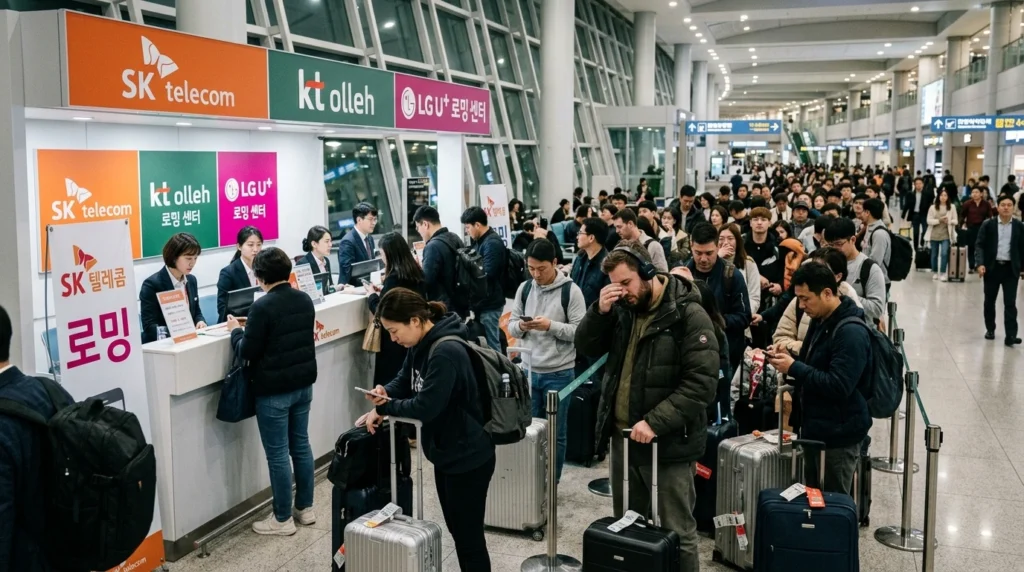
Second, if your flight arrives late at night or early in the morning, you might find that the pickup counters are closed. Many specific vendor desks have limited operating hours, sometimes opening only after 7:00 AM. If you land during off-hours, you are left stranded without a connection until they open.
Finally, there is the matter of cost. Even if you pre-ordered a physical SIM online for airport pickup, you are often hit with an airport handling fee that is equivalent to domestic shipping costs. You are essentially paying extra for the inconvenience of waiting in line.
The Traditional Route: Physical SIM Cards
For years, the physical SIM card has been the go-to solution for international travelers. It is familiar, widely available, and generally offers very stable network quality at an affordable price.
Pros of Physical SIMs
The biggest advantage is universality. As long as your phone is unlocked, you can pop in a local SIM and get instant access to Korea’s blazing-fast networks. It is a tried-and-true method that requires very little technical know-how.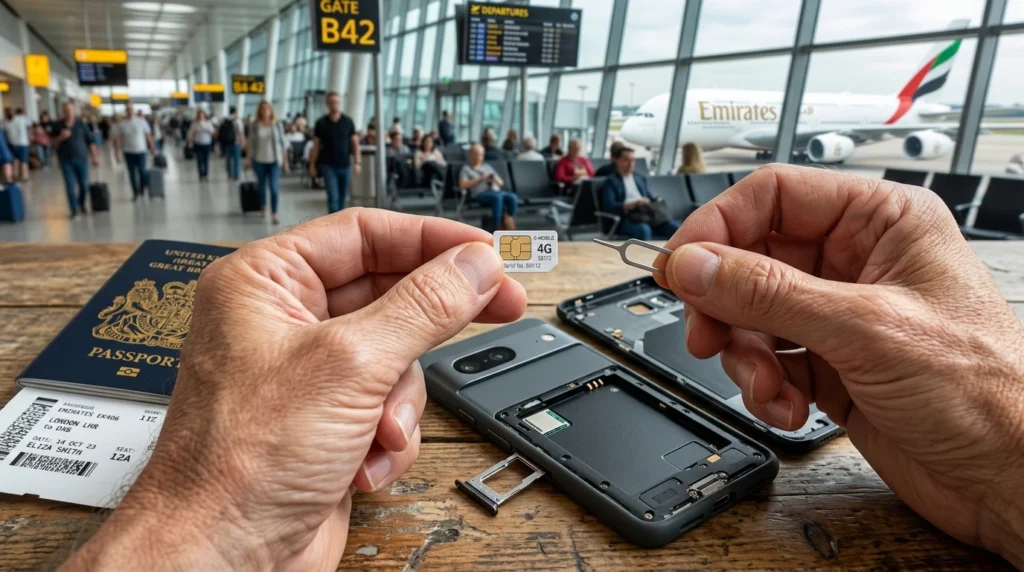
Cons of Physical SIMs
The drawbacks, however, are significant when you factor in modern travel needs. Swapping a SIM card means you have to handle that notoriously tiny ejector tool—often while balancing your carry-on luggage on your lap. More importantly, removing your home SIM means your original phone number is completely disconnected. You will not be able to receive important text messages, which is a major issue if you need to authenticate bank logins or receive two-factor authentication (2FA) codes from services back home. Lastly, you bear the constant risk of losing your original nano-SIM. Keeping a microscopic piece of plastic safe for weeks is an anxiety-inducing task for any traveler.
The Modern Alternative: Why eSIM is a Game Changer
Living across different continents teaches you to appreciate seamless transitions, and the eSIM (embedded SIM) is the epitome of frictionless travel. Instead of a physical piece of plastic, an eSIM is a digital profile downloaded directly to your phone’s internal hardware.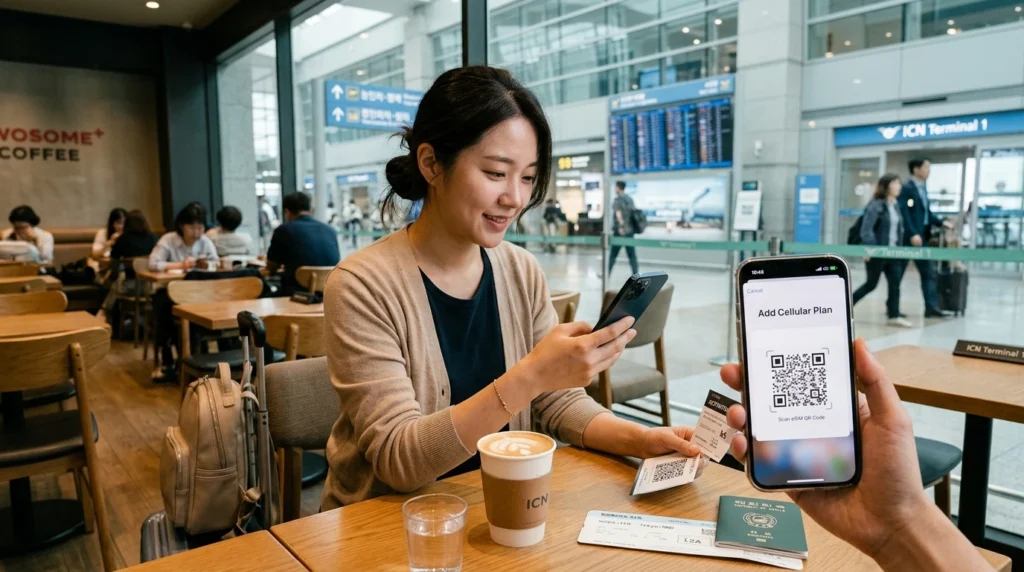
Pros of eSIMs
The convenience is unmatched. You can purchase your data plan online before you even board your flight. Once you land at Incheon, you simply connect to the airport’s free Wi-Fi, scan a QR code or tap a link, and your Korean network is instantly activated. There is absolutely no queuing, no handling of tiny plastic chips, and zero risk of losing your original SIM card.
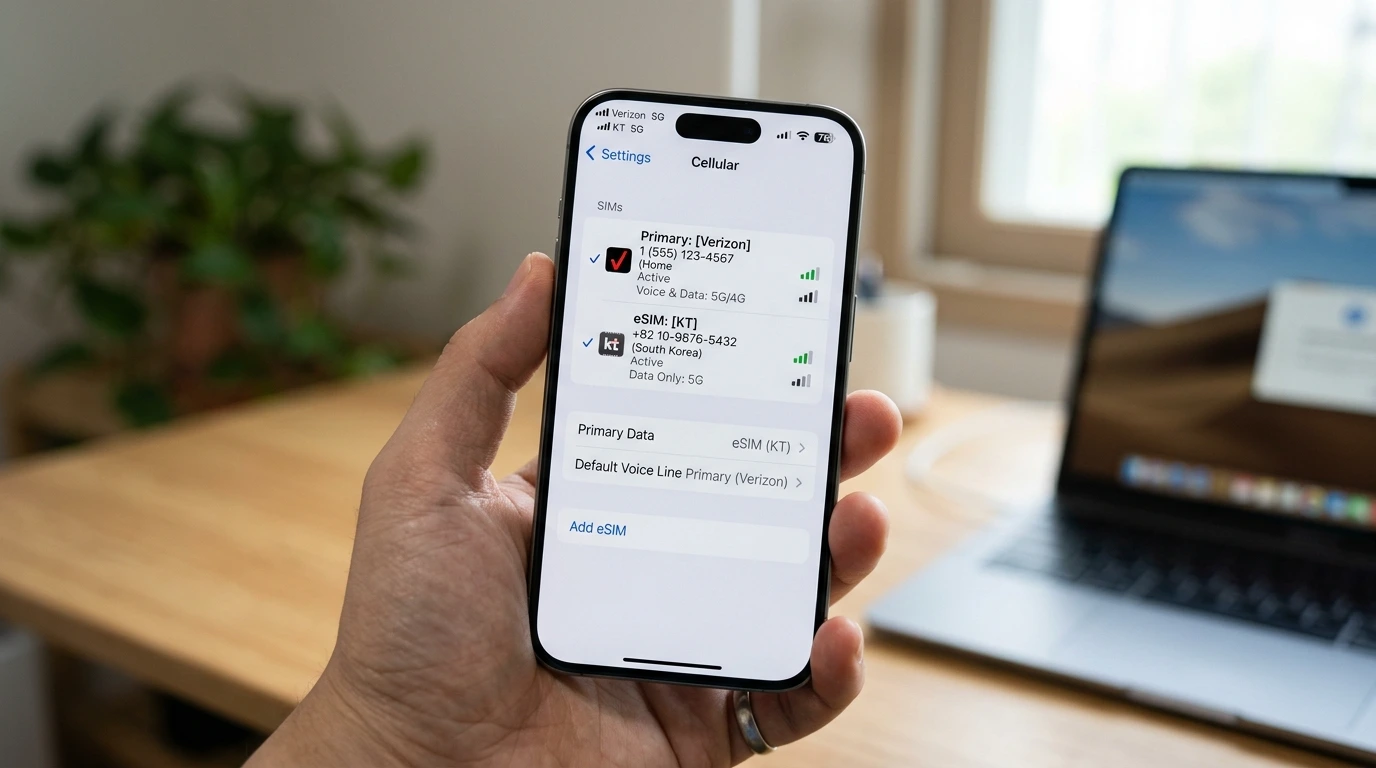
Even better, an eSIM allows you to keep your home SIM active in the background. This means you can continue to receive important SMS messages and calls to your North American number while using the Korean eSIM for your cellular data. You can navigate with local map apps, chat on messengers, and update your social media, all while staying securely connected to your home services.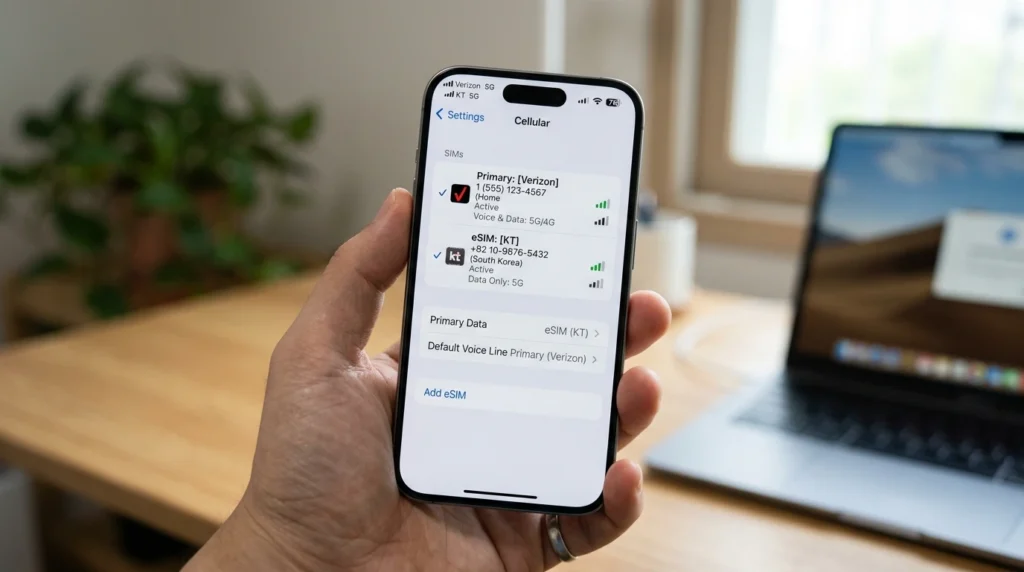
Cons of eSIMs
The only major caveat is device compatibility. Not every smartphone on the market supports eSIM technology. You must verify that your device is compatible before purchasing. Generally, iPhones from the XS model onwards and recent premium Android devices (like the Galaxy S23 series and Z Flip/Fold series) support eSIM functionality.
Making the Final Call: Which Plan to Choose?
When choosing a data plan, your decision should align with your travel habits.
If you use your phone primarily for navigating subways, browsing restaurant reviews, and messaging friends, a standard plan offering 1GB to 2GB of high-speed data per day (followed by unlimited data at reduced speeds) is highly cost-effective and perfectly sufficient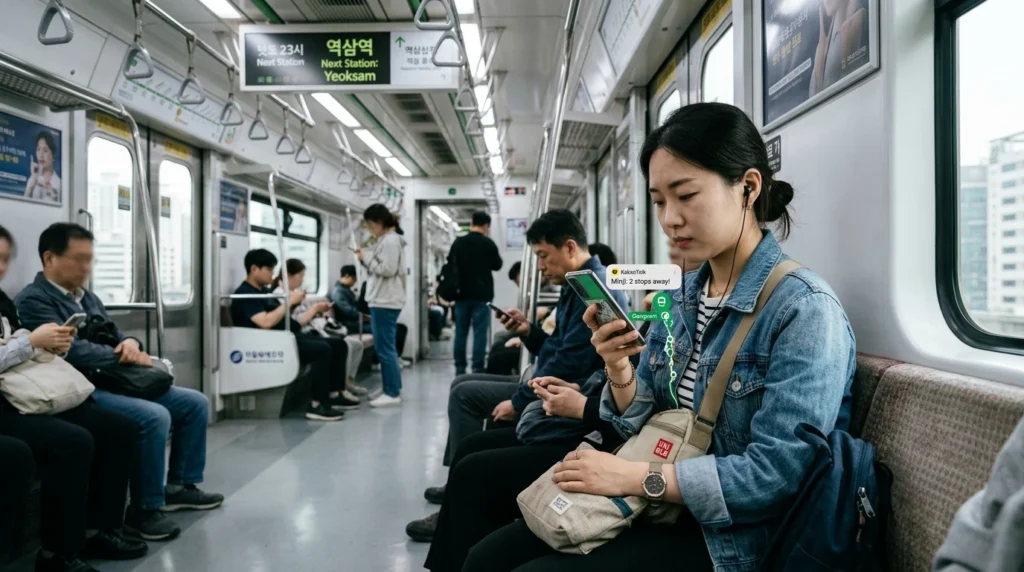
On the other hand, if you are a heavy data user who loves to stream high-definition videos, upload massive files, or tether your phone to a laptop to get some remote work done at a local cafe, you should look for an “All-Day Unlimited” plan with no Fair Usage Policy (FUP) speed caps.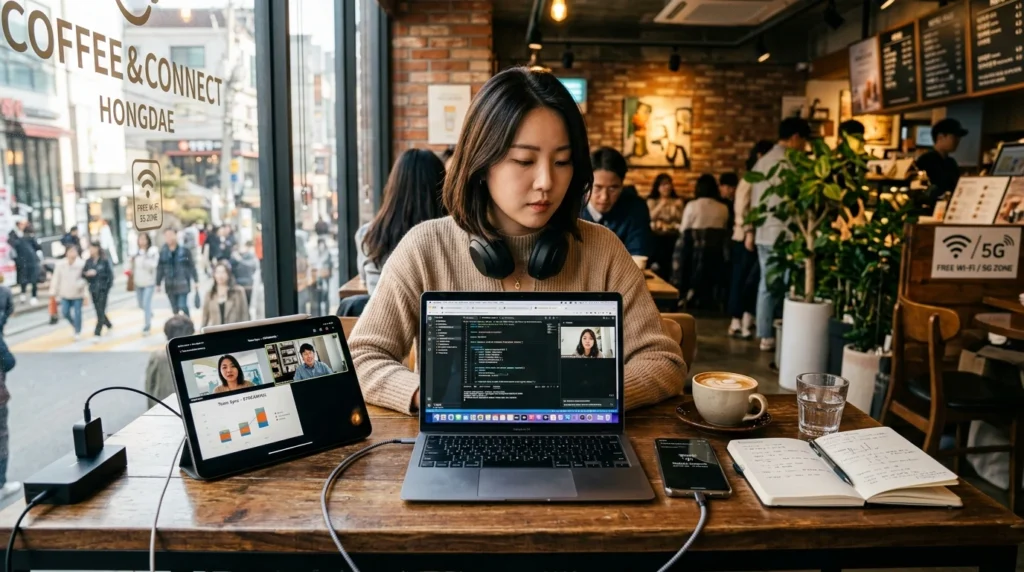
For travelers with the latest smartphones who need to maintain their home number for security codes and texts, an eSIM is undeniably the best choice. It gets you out of the airport and into the city faster. For those with older devices or those who prefer the traditional plug-and-play method, having a physical SIM delivered to your home before your departure is a much smarter alternative to braving the airport queues.
Frequently Asked Questions (FAQ)
Is the Wi-Fi at Incheon Airport good enough to download an eSIM?
Yes, Incheon International Airport offers incredibly fast and reliable free public Wi-Fi throughout the terminals, making it very easy to download and activate your eSIM profile as soon as you step off the plane.
Will my WhatsApp or messenger apps work with a new Korean SIM?
Yes, your messenger apps are tied to the phone number you registered them with, not the physical SIM card currently in the phone. You can continue using them seamlessly with your new data connection.
How do I know if my phone is unlocked?
You should contact your home carrier before your trip to confirm your device is unlocked. If you purchased your phone directly from the manufacturer at full price, it is likely already unlocked.
Can I make local voice calls with an eSIM?
Most travel eSIMs are data-only. If you need to make voice calls, you can use VoIP apps like FaceTime, WhatsApp, or local messenger apps over your data connection.
What happens if I lose my home SIM card while traveling?
If you lose your physical home SIM, you will need to visit your carrier’s store or request a replacement by mail upon returning home, which often incurs a replacement fee and leaves you disconnected until it arrives.
Can I buy an eSIM after I have already arrived in Korea?
Absolutely. Since eSIMs are entirely digital, you can purchase one online from your hotel room or a local cafe as long as you have a Wi-Fi connection to process the transaction and scan the QR code.
Do I need to show my passport to buy an eSIM?
Data-only travel eSIMs typically do not require passport verification for purchase, unlike local physical SIM cards that include a Korean phone number, which strictly require identity verification.
How do I activate the eSIM once I land?
Usually, you go to your phone’s cellular settings, select “Add Cellular Plan” or “Add eSIM,” and scan the QR code provided by your eSIM vendor. It takes less than a minute.
Will I get a Korean phone number with my data plan?
Most standard travel SIMs and eSIMs provide a data-only connection. If you need a local Korean number for reservations or ordering food delivery, you must specifically look for a plan that includes voice and SMS capabilities.
Is it safe to keep my home SIM active while using an eSIM?
Yes, it is safe, but you must ensure that “Data Roaming” is turned off for your home SIM line in your phone settings to avoid unexpected roaming charges from your home carrier.
Can I share my eSIM data with other devices?
Yes, most eSIM providers allow mobile hotspot tethering, meaning you can share your data connection with your iPad, laptop, or your travel companion’s phone.
What should I do if my eSIM fails to activate?
First, restart your phone. If it still does not work, check if your APN settings need to be configured manually according to the instructions provided by your eSIM vendor, or contact their customer support via Wi-Fi.